Convert bitmap images
to vectors with AI
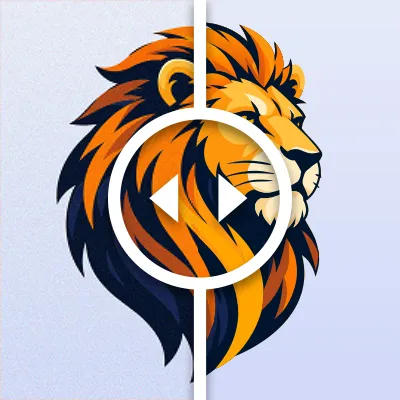
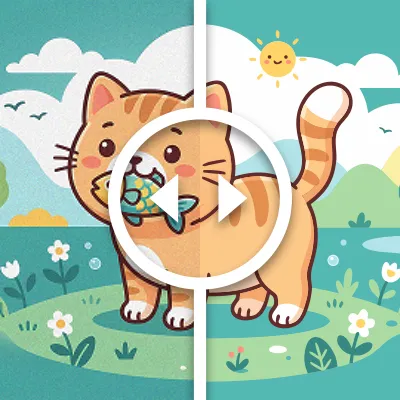
Our AI-powered vectorizer converts JPG, PNG, BMP, WEBP, AVIF, and HEIC images into clean, scalable vector graphics in seconds.

How does our AI vectorizer work?

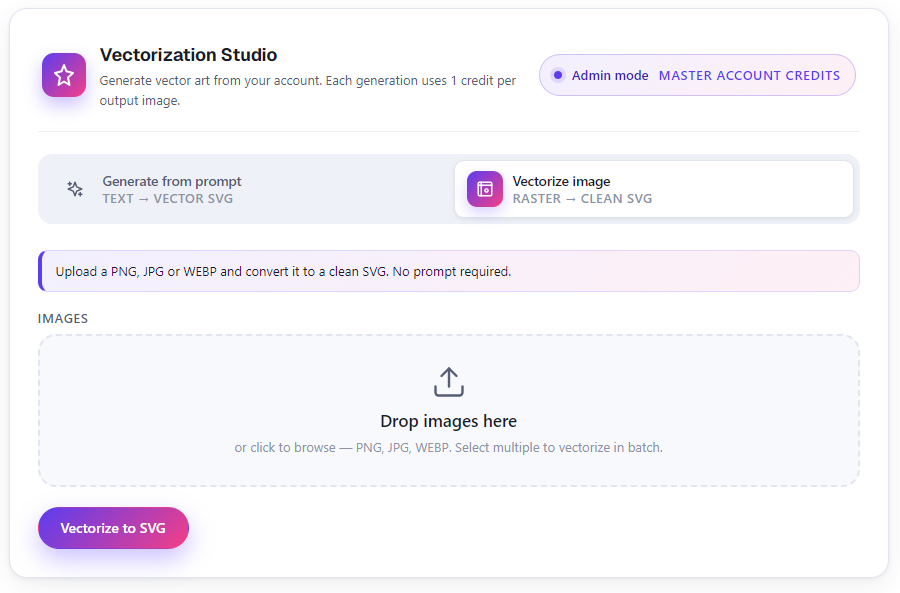
Upload image
Upload your raster image in JPG, PNG, BMP WEBP, AVIF or HEIC format.

AI Vectorization
Our AI analyzes and converts it to preceise vector paths.

Download
Downlod your vector file in the format you need.
Ready for Anything
Use your vector anywhere — from digital printing, custom T-shirt creation, and branding promotional items to laser engraving and CAD work.
Why choose our AI vectorizer?
Pricing Packages
Starter
$2.5
✦ 160 Credits
✦ Up to 16 Vectorizations
✦ Up to 2 VectorArt Generations
✦ Free customer support
✦ Continuous Updates
Professional
$20
✦ 6000 Credits
✦ Up to 600 Vectorizations
✦ Up to 75 VectorArt Generations
✦ Free customer support
✦ Continuous Updates
Ultimate
$80
✦ 24 000 Credits
✦ Up to 2400 Vectorizations
✦ Up to 300 VectorArt Generations
✦ Free customer support
✦ Continuous Updates
Frequently Asked Questions About Vectorization
What Our Satisfied Users Say
⭐⭐⭐⭐⭐
I integrated AI Vectorizer into my design pipeline for UI assets, and it’s been incredibly reliable. The conversion quality is consistent, edges are smooth, and the files are easy to work with in Figma and Illustrator.
Thomas S., App Developer
⭐⭐⭐⭐⭐
AI Vectorizer has completely changed my workflow. I used to spend hours manually tracing logos and illustrations, but now I can convert raster images to clean, scalable vectors in seconds. The output is surprisingly accurate, even with complex artwork.
Natalie T., Graphic Designer
⭐⭐⭐⭐⭐
As a small business owner, I often need quick logo edits and high-quality prints. AI Vectorizer makes it easy to turn low-resolution images into professional vector files. It’s fast, intuitive, and delivers results that are good enough for marketing materials.
John H., Business Owner